
Oven
Control Board and Touch Panel Repair
Dead keys, a blank or garbled display, an oven that will not switch off or will not respond, traced to the board, the touch panel or their wiring.
Mon–Sat, 8am–8pm
- Moderate to highest cost band
- 4 steps on the visit
- 5 problems it answers
Book a visit
Three short steps, about a minute.
or call (844) 407-1890
Loading appointment form…
The appointment form couldn’t load. Please try again.
What the oven control board and touch panel repair
involves.
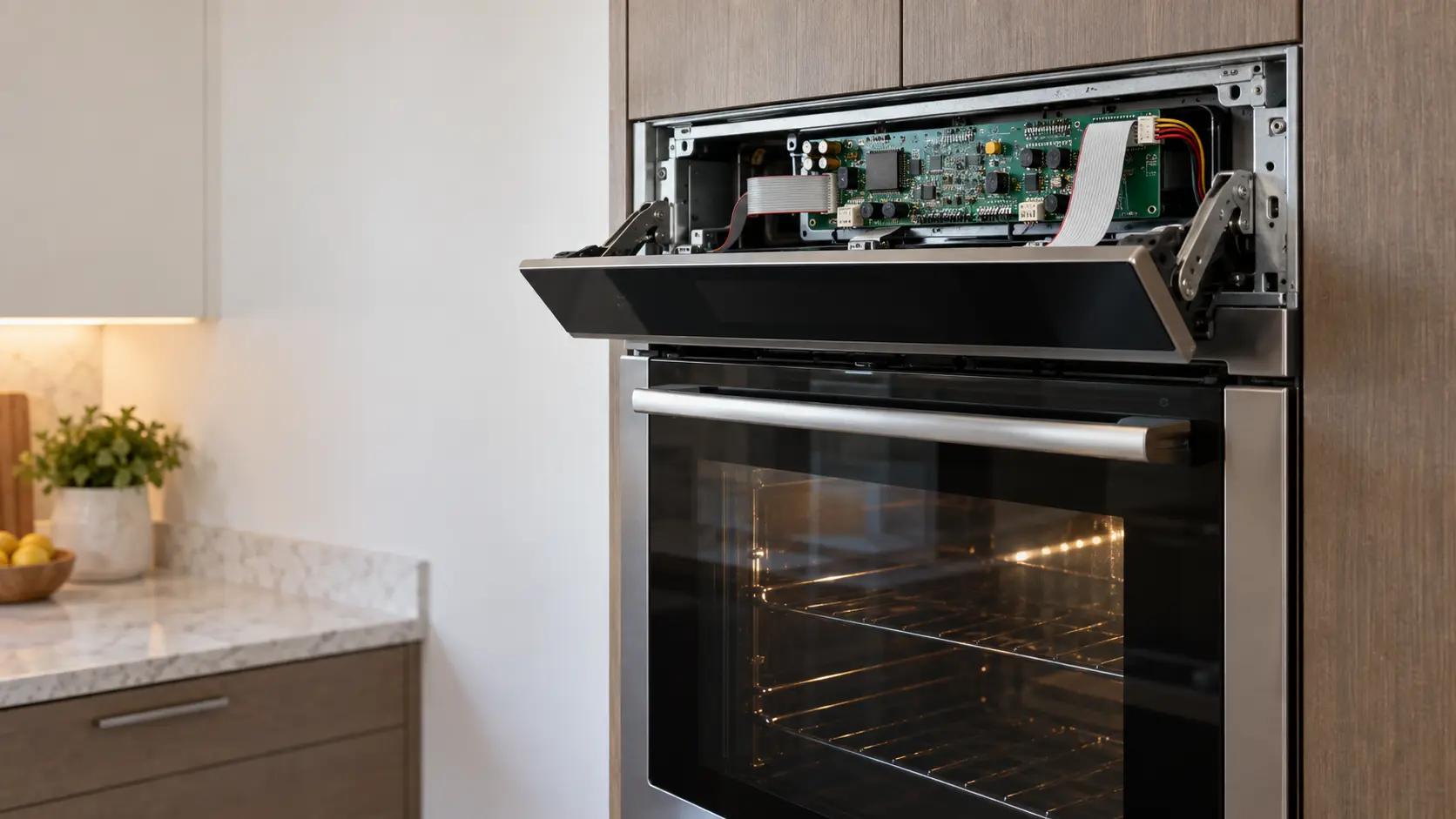
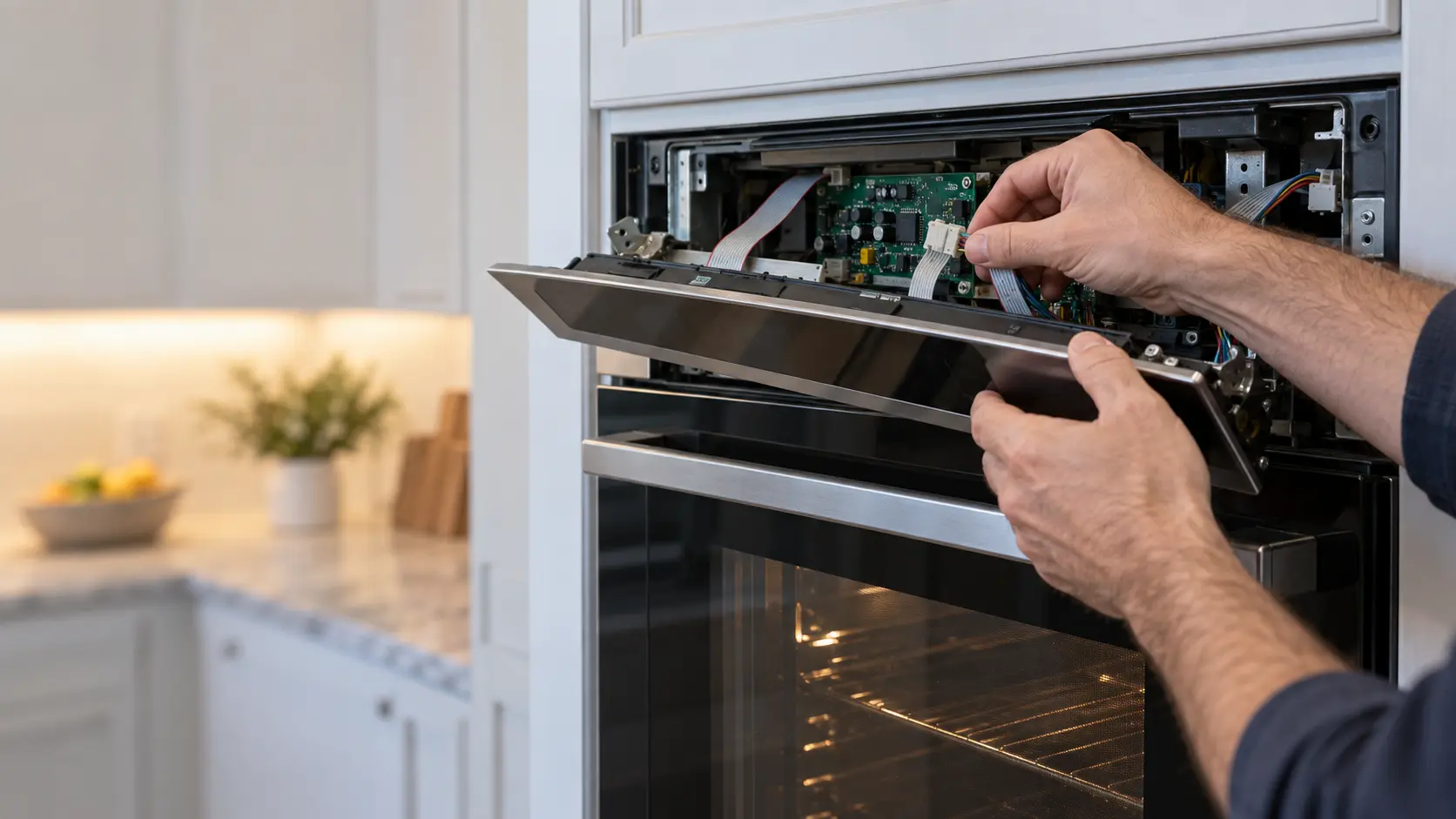
Oven control board repair begins by proving the board has really failed, since a large share of apparent board failures turn out to be a loose connector, a failed sensor, a door switch or a lock reporting the wrong state. The board holds the relays that switch the elements, the fans and the lock, and the touch panel or keypad on the front sends it your commands. Heat and steam rising from the cavity wear both over time. A stuck relay can keep an element heating after the oven is set to off, which is a reason to cut the breaker straight away. The board, the keypad, the display and the harness are tested separately so only the failed part is replaced.
How the visit goesWhat it usually costsModerate to highest · Control board or touch panel
A keypad or ribbon cable sits in the middle. A full control board, especially on a double or premium built-in oven, is among the costliest parts an oven takes.
Answers 5 problemsOven Control Panel Not Responding
Oven Won't Turn Off · Oven Error Code · Oven Light Not Working · Oven Not Heating
Comes up most onSingle wall oven
Double wall oven · Steam oven · Speed oven
Codes that lead hereErr_ · E11 · C-d0 · C-F2
Bertazzoni steam oven showing Err_.
Controls and sensors,
step by step.
Replace the failed board, keypad or harness, set up the model data if the new board needs it, and run a full bake to confirm every function.
Note what the display shows and which keys respond, and read any stored codes or run the service test.
Check the inputs first: the temperature sensor, the door switch, the lock switches and the wiring harness connectors.
Test the board's relays and the keypad or touch panel separately to tell which one has failed.
Replace the failed board, keypad or harness, set up the model data if the new board needs it, and run a full bake to confirm every function.
The problems
it answers.
5 of them, from oven control panel not responding to oven not heating.
All problems
Oven Control Panel Not Responding
5 causes, cheapest first
Before you call
Tell us this when you book
- Which keys or functions stopped working, or whether the whole panel is dark
- Whether the oven keeps heating after it has been switched off
- Any code, word or symbol shown on the display
- Whether the problem followed a power outage, a storm or a self-clean cycle
It also answers
Moderate to highest,
on the site's scale.
A keypad or ribbon cable sits in the middle. A full control board, especially on a double or premium built-in oven, is among the costliest parts an oven takes.
Read the full cost guide| Repair | Relative cost |
|---|---|
| Door hinges, gasket or door glass | |
| Bake or broil element | |
| Gas igniter, safety valve or burner | |
| Temperature sensor or calibration | |
| Cooling fan or thermal fuse | |
| Convection fan motor, blade or ring element | |
| Door lock motor and switches | |
| Steam generator, pump or tank sensor | |
| Control board or touch panel | moderate to highest |
Where it
comes up most.
Most bookings: Single wall oven, Double wall oven, Steam oven, Speed oven.
All oven typesCodes that lead here
Err_Bertazzoni · CommunicationE11Bosch · CommunicationC-d0Dacor · CommunicationF101Fisher & Paykel · Communication
Often the same visit


The makes
we see it on.
30 makes on this site, and the oven control board and touch panel repair on any of them. Each mark opens that make's own page.
All 30 brandsControls and sensors,
where we come out.
The kitchen, the climate and the building all change how the oven control board and touch panel repair goes. These notes are about that, metro by metro.
All service areasTampa BayFL · 31 areas
Tampa Bay's summer storms bring outages and surges that are hard on a wall oven's control board, and a display that goes blank or a keypad that ignores presses is tested for supply, then the board and touch panel in turn.
OrlandoFL · 30 areas
Orlando's short-term rental kitchens put wall oven controls through many unfamiliar hands, and a control lock left on or a stuck key is often the whole problem, which the visit rules out before any board is ordered.
Miami / South FloridaFL · 47 areas
In Miami's salty, humid air a wall oven's touch panel and ribbon cables can corrode over time, especially in a tower left closed up for months, and the repair cleans or replaces those connections before the main board.
New York MetroNY · 75 areas
New York's older buildings can deliver uneven power, and a wall oven whose display flickers or resets may be reacting to the circuit, so the supply is checked before the control board is replaced.
HoustonTX · 36 areas
In Houston, hurricane-season outages can leave a wall oven's control showing an error once power returns, and the visit clears it, confirms the board and sensors test correctly, and replaces only what fails.
ChicagoIL · 50 areas
Chicagoland wall ovens in older houses sometimes share a circuit that sags when other loads start, and a control that resets or loses its settings is checked for voltage before anyone blames the board.
Los AngelesCA · 95 areas
A Los Angeles pro-style wall oven can carry a glass touch panel with Wi-Fi and a separate main board, and the repair tests each piece, since a dead panel does not always mean a dead board behind it.
San DiegoCA · 31 areas
Near the San Diego coast, a wall oven's touch controls can show ghost presses as moisture and salt collect behind the glass, and the fix is usually a new touch panel matched to the model.
San Francisco Bay AreaCA · 74 areas
Bay Area kitchens with connected wall ovens sometimes lose the app while the oven still works, and a controls visit separates a network setting from a failing board, fixing only the part that actually needs it.

Questions about
the oven control board and touch panel repair.
My oven will not turn off. What should I do?
Why do some keys on my oven panel not respond?
My oven display went blank after a power outage. Is the board ruined?
Why is my oven light not working even with a new bulb?
Back to your everyday
Ready to book the oven control board and touch panel repair?
Have these to hand: which keys or functions stopped working, or whether the whole panel is dark, whether the oven keeps heating after it has been switched off, any code, word or symbol shown on the display, whether the problem followed a power outage, a storm or a self-clean cycle.