


Maytag wall oven in Demo Mode
Demo Mode lets a showroom visitor browse a Maytag oven's screens without turning on the heating elements.
Mon–Sat, 8am–8pm
- Mode, not a failure
- No repair needed
- Source: Maytag
Book a visit
Three short steps, about a minute.
or call (844) 407-1890
Loading appointment form…
The appointment form couldn’t load. Please try again.
What Demo Mode
actually means.
Demo Mode lets a showroom visitor browse a Maytag oven's screens without turning on the heating elements. If it is left on at home, the oven looks alive but stays cold.
Maytag oven display
What to do when Demo Mode shows on the ovenKind of codeMode, not a failure
A setting someone switched on, or a state the oven entered on purpose — a control lock, a Sabbath setting, a showroom mode that lights the display without heating. No part has broken and nothing has to be replaced.
Usually leads toNo repair
Open the Tools menu, go to INFO, and switch Store Demo Mode off.
Shows up asOven Not Heating
The oven turns on and the display counts, but the cavity stays cold or only lukewarm after a long preheat.
MakeMaytag
A Whirlpool Corporation brand known for sturdy, straightforward appliances, including a small selection of wall ovens.
SourceMaytag Product Help: Demo Mode - Wall Oven
Maytag wall ovens with a Tools keypad and menu screen.
Before you book,
in this order.
Each step comes from Maytag's own guidance for Demo Mode on its ovens. Follow it to the end: the last card says whether this is a visit.
Open the Tools menu, go to INFO, and switch Store Demo Mode off.
Confirm when asked, then start a bake to check heating.
Cleared?
The oven came through without a new part. If the same message returns during a later bake, or the oven stops heating partway through, book it as a fresh problem.
What not to do
A cold oven with a working screen is not necessarily a failed element; check for Demo Mode first.
What you may
notice with it.
The oven problems Demo Mode tends to arrive with. Answer these at the oven before anyone is booked.
All problems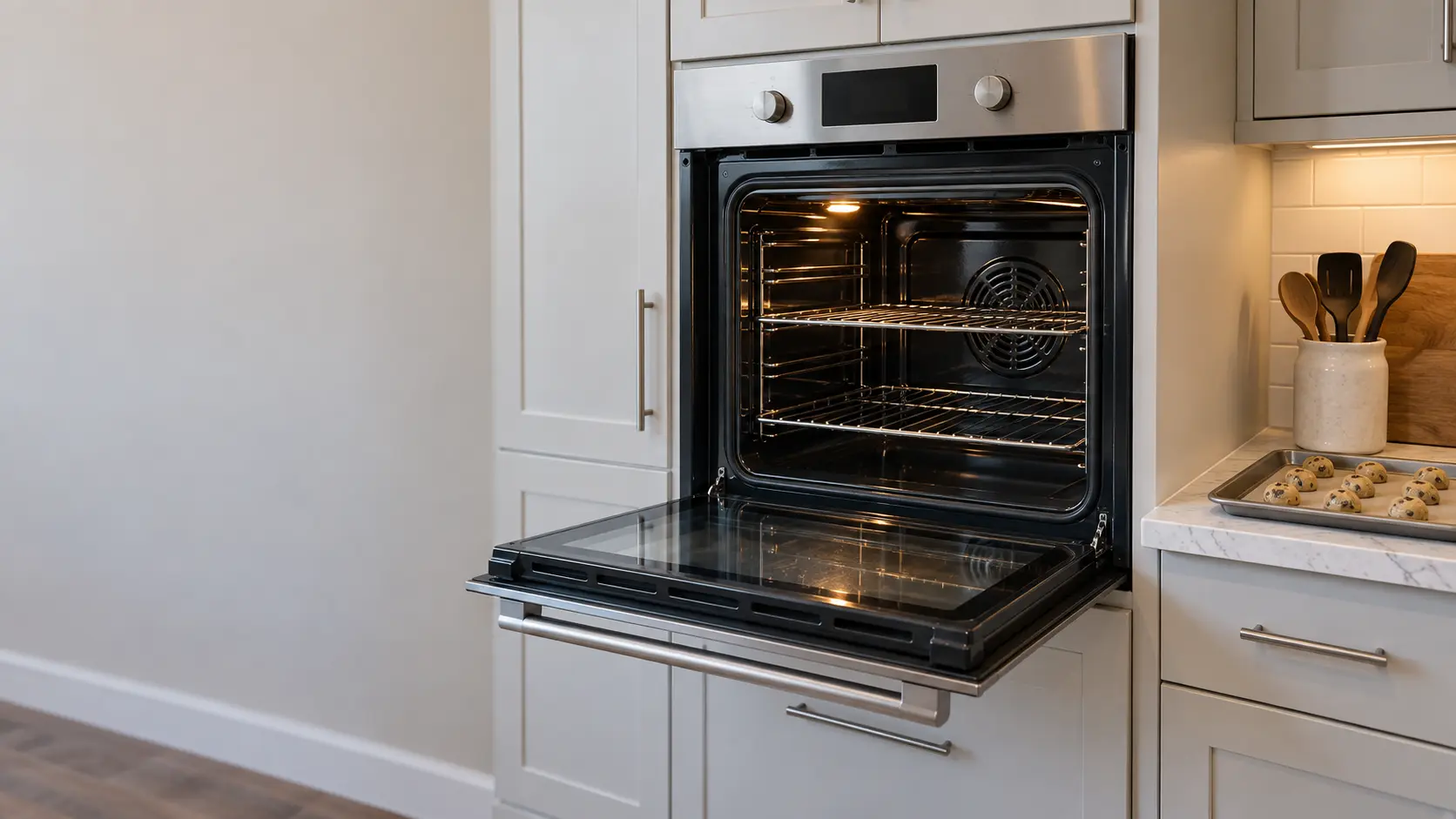
Oven Not Heating
6 causes, cheapest first
No repair indicated
Nothing to repair.
A setting someone switched on, or a state the oven entered on purpose — a control lock, a Sabbath setting, a showroom mode that lights the display without heating. No part has broken and nothing has to be replaced.
Maytag
ovens.
A Whirlpool Corporation brand known for sturdy, straightforward appliances, including a small selection of wall ovens.
Maytag oven repairMore Maytag codes
Mode, not a failure on other makes


In Maytag's own words
without turning on all the functionality (i.e., turning on the heating elements)
Every code on this site is taken from the manufacturer's documentation, never from a forum or a parts listing. Maytag wall ovens with a Tools keypad and menu screen.
Maytag Demo Mode oven repair,
where we come out.
The same visit in every metro below: the code, the model number, and a diagnosis before any part is ordered.
All service areasTampa BayFL · 31 areas
Miami / South FloridaFL · 47 areas
New York MetroNY · 75 areas
HoustonTX · 36 areas
ChicagoIL · 50 areas
Los AngelesCA · 95 areas
San DiegoCA · 31 areas

Questions
about Demo Mode.
Can I clear Demo Mode myself?
Why does my new Maytag oven not heat even though the screen works?
Will a breaker reset take my Maytag out of Demo Mode?
Back to your everyday
Still showing Demo Mode?
Book with the code exactly as shown, the full model number, and whether you can smell gas or burning — with a code, that is where the diagnosis starts.