
First: the double breaker for the oven
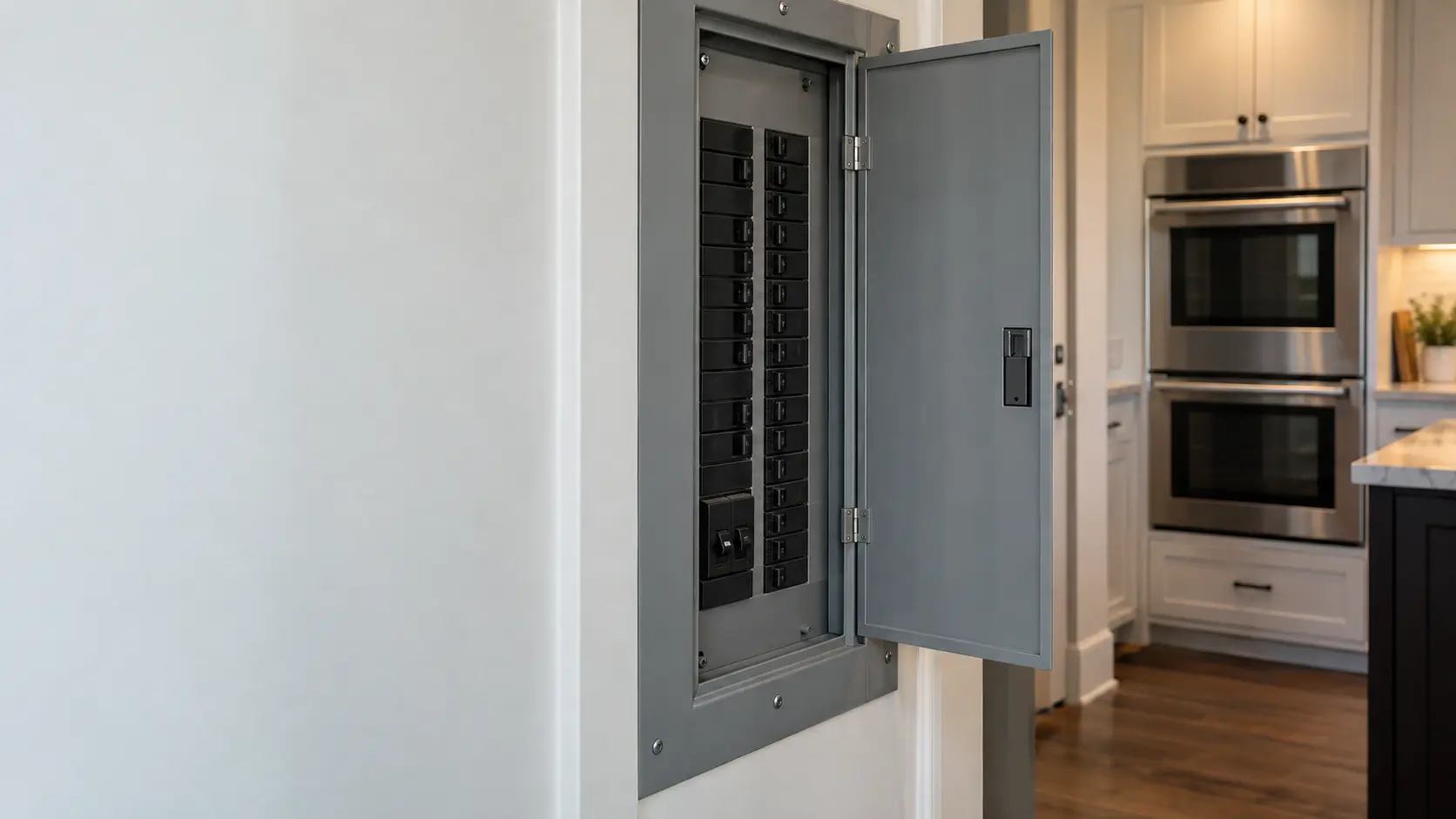
A wall oven has no plug, so its breaker is the only way to cut and restore its power. Find the double-width breaker labeled for the oven, switch it fully off, wait one minute, and switch it back on. Whirlpool gives the same one-minute reset for a wall oven that stops responding after a power outage, and asks you to watch the display for a minute afterward.
Look at the handle before you reset it. A handle resting between on and off has tripped, and if it trips again as soon as the oven heats, stop: a breaker that keeps tripping is protecting the house from a short, and resetting it repeatedly is not a test.
Older homes with fuses
Some older kitchens feed the oven through a cartridge fuse block instead of a breaker. A blown fuse looks identical to a good one from the outside, so replacing the pair with the same rating is the only check, and if that feels unfamiliar, it is a job for an electrician.
Source: Whirlpool — Nothing is working, wall oven — Breaker off for one minute and monitor for one minute; hold start (lower start on a double) for 3 seconds to unlock
Second: locks and modes on the control panel
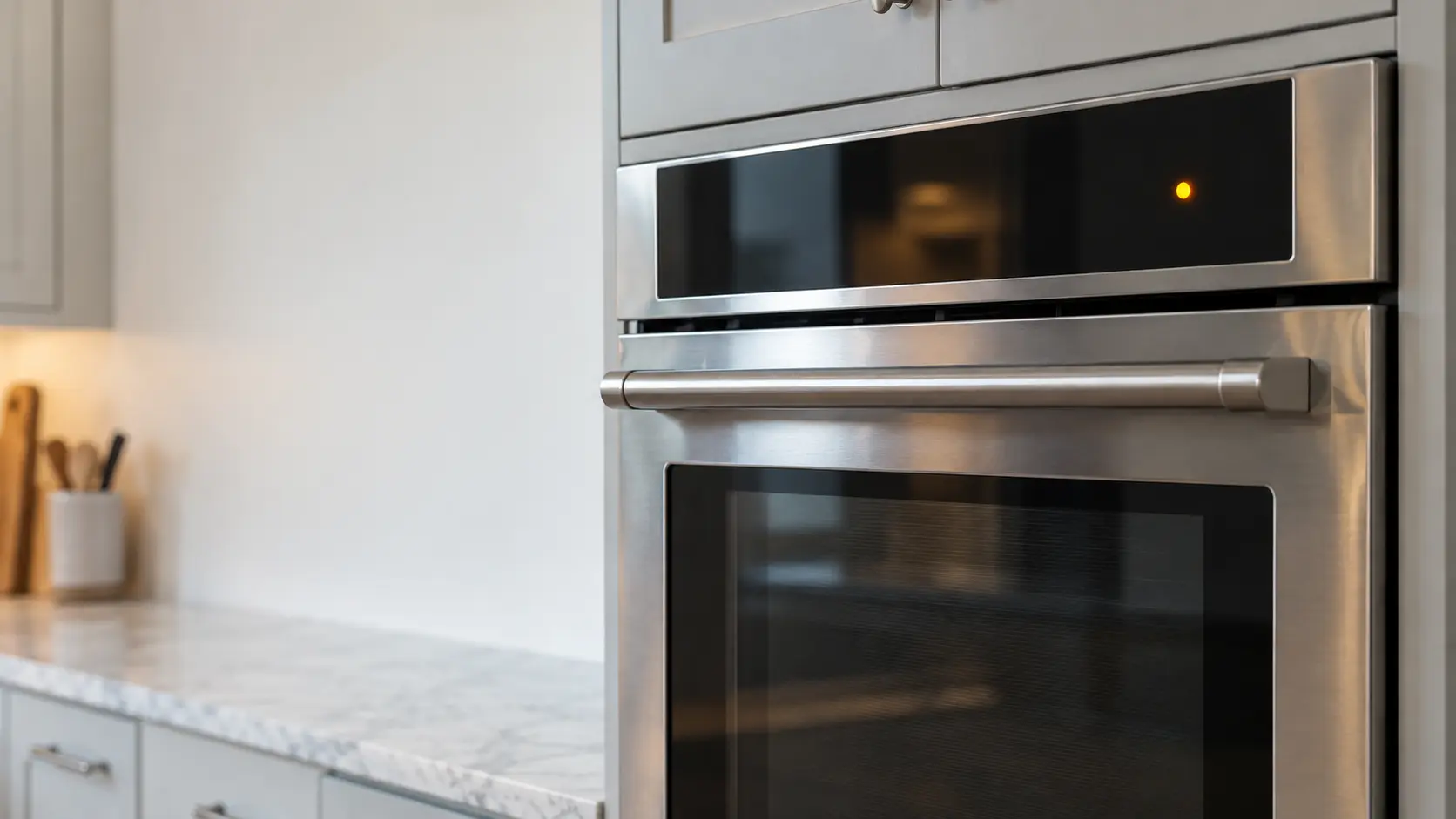
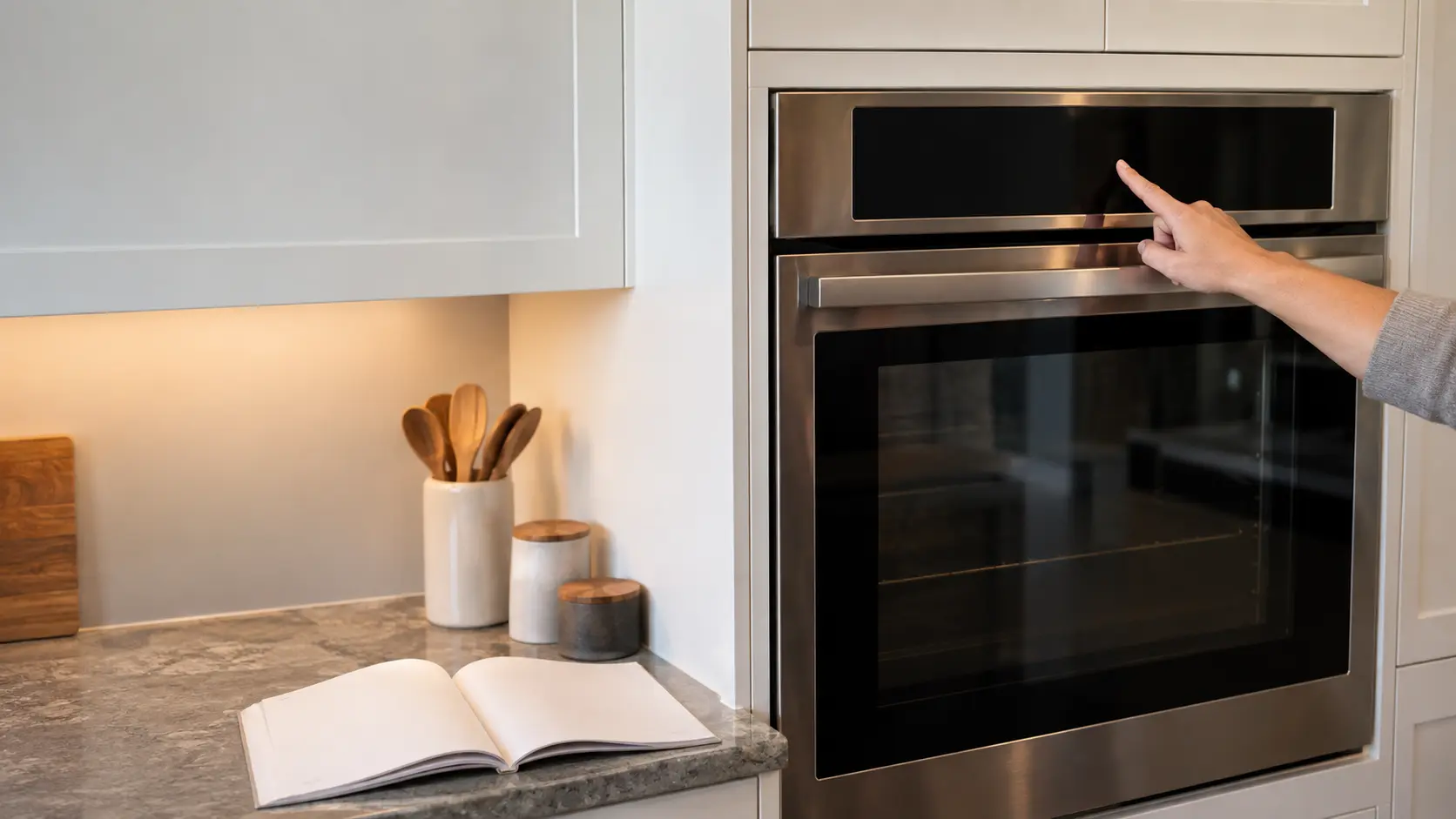
A control that ignores every key is often locked, not broken. Whirlpool's wall ovens unlock by holding the start key, or the lower start key on a double oven, for three seconds; other brands name the key on the panel itself, usually beside a padlock symbol.
While you are at the panel, rule out the modes that switch heating off by design:
If the display shows a code or message rather than a lock, write it down exactly as it appears, including any letters and dashes, and look it up in the manual for your model before you reset anything. Some messages clear themselves after a reset and do not come back, which is itself worth knowing when you describe the problem later.
- Demo or showroom mode, left on from the store, which runs the display with the elements off.
- Sabbath mode, which on GE ovens can keep the display dark and ignores most keys until it is turned off.
- A child lock or cleaning lock set during a wipe-down of a touch panel.
- A temperature unit switched to Celsius, which makes 350 on the display a very hot oven.
Source: Whirlpool — Nothing is working, wall oven — Breaker off for one minute and monitor for one minute; hold start (lower start on a double) for 3 seconds to unlock; Whirlpool — Bake cycle not working, wall oven — Demo mode runs the display without turning on the heating elements; GE Appliances — Range and wall oven, Sabbath mode — In Sabbath mode the display does not show time, temperature or function until the mode is turned off

Third: the clock, the timer and delay start
An oven set for a delayed start looks ready and waits, sometimes for hours. Cancel everything with the off or cancel key, check that the clock shows the right time of day, and start a plain bake with no timer. A clock that is blinking after an outage often has to be set before some controls will accept a bake at all.
The reverse complaint, an oven that switched itself off in the middle of a long braise, is usually a safety timer rather than a failure. GE's Monogram wall ovens shut off after 12 hours of baking or 3 hours of broiling unless the owner turns that feature off.
Two cavities, two sets of settings
On a double wall oven each cavity keeps its own timer, delay and temperature. It is easy to start the upper oven while the lower one still holds a delay from last night; clear both before deciding either one has failed.
Source: GE Monogram — 27 and 30 inch convection wall oven owner's manual — Automatic shutoff after 12 hours of baking or 3 hours of broiling
Fourth: the door, the latch and the light
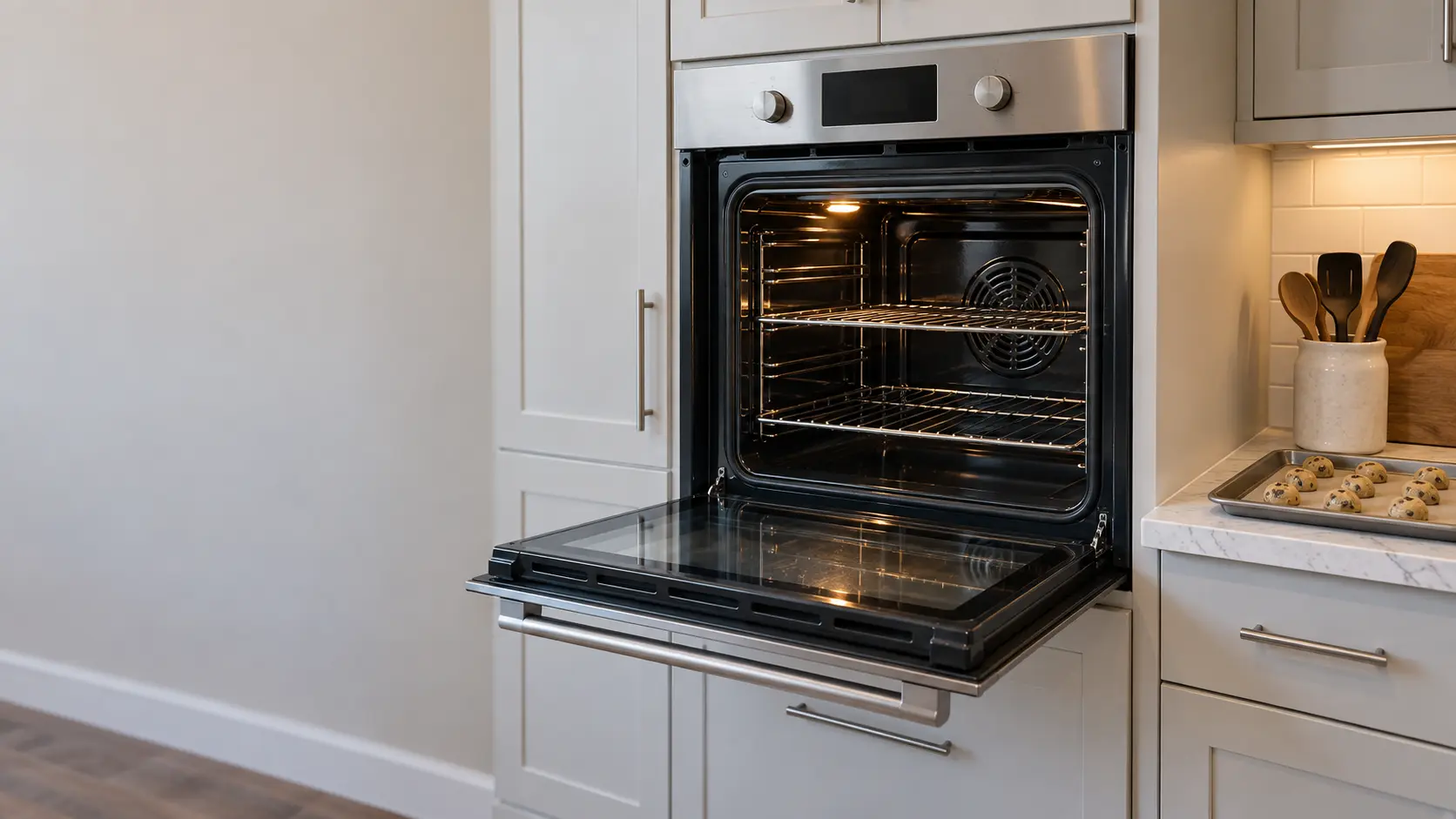
Broil will not start with the door ajar; Whirlpool says the broil element on its wall ovens turns off the moment the door opens and returns once it closes. A rack pushed too far out, a pan handle or a folded gasket can hold the door open by a fraction of an inch that is easy to miss.
After a self-clean the door stays latched until the cavity cools. Whirlpool's wall ovens release near 200°F, and if the cycle was interrupted by an outage, pressing cancel starts a latch reset that takes 20 to 30 seconds. A latch still locked on a cold oven after that is a part for a technician, not something to force.
What the oven light tells you
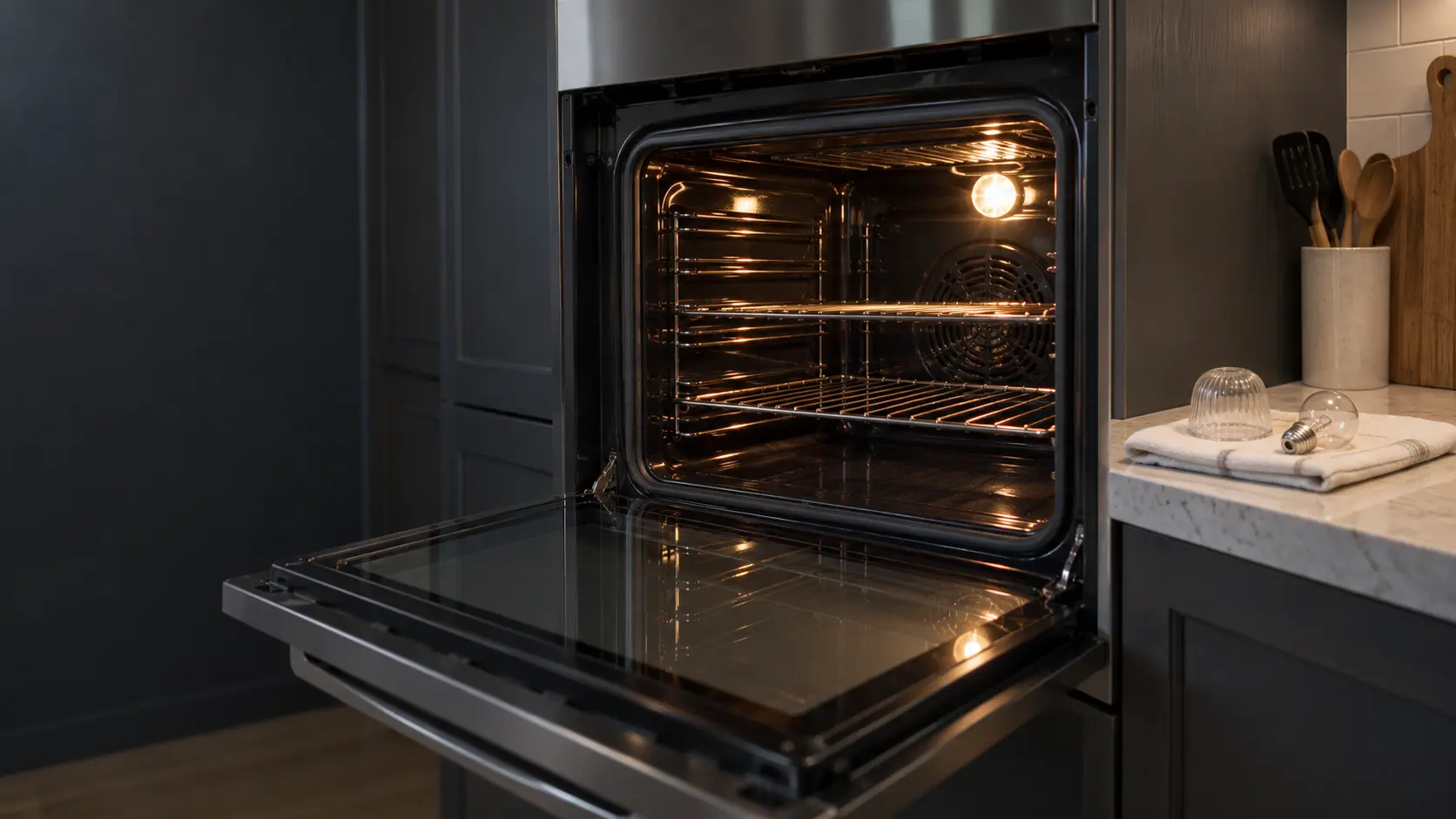
If the light comes on when the door opens, the door switch and the power to the control are working. A dead light with a live display is often just a bulb; a dead light and a dead display point back to the first check.
Source: Whirlpool — Broil not working, wall oven — The broil element will not come on with the door open and turns off when it is opened; Whirlpool — Oven door locked, wall oven — The door unlocks after self-clean once the oven cools to about 200°F; after a power failure, cancel starts a 20 to 30 second latch reset
Fifth: one bake with the setup right
If the complaint is results rather than heat, remove the racks you are not using, take out any foil on the floor or on a rack, and bake something simple on the center rack in a light-colored pan. Whirlpool gives 12 to 15 minutes as a normal preheat to 350°F with all racks in, so time yours from start to the preheat signal.
Write down what happened: the preheat time, whether the tops or bottoms browned, and any code or message on the display. That page of notes is worth more to a technician than any guess about which part has failed.
- Preheat time, from start to the signal
- Which rack and which pan you used
- Where the food browned or stayed pale
- Any code, message or unusual sound
Source: Whirlpool — Long preheat, wall oven — A normal preheat takes 12 to 15 minutes; unused racks add to it